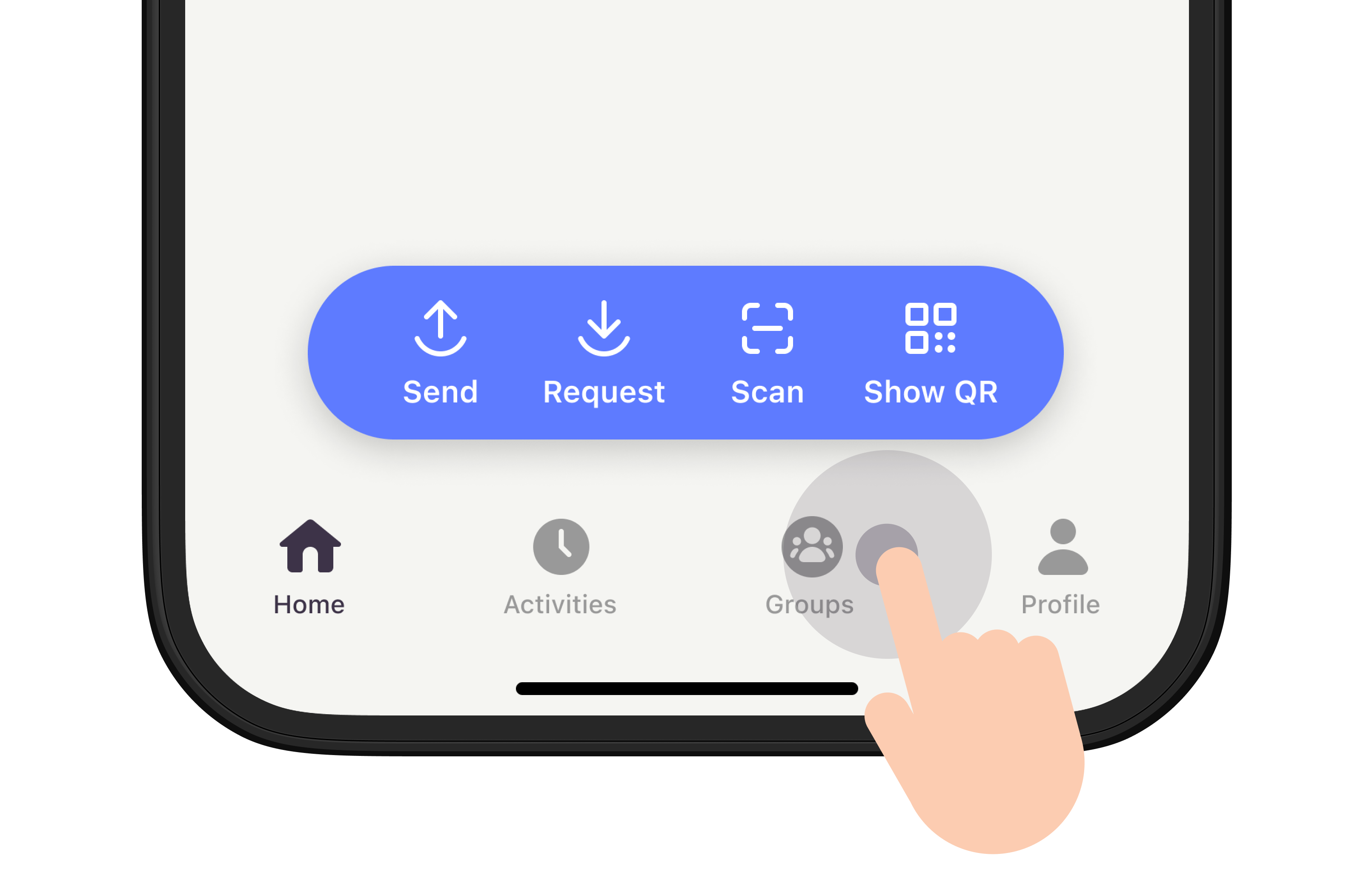
Find ‘Groups’ from the tab menu
Now you can share expenses in a group again – and this time directly in the app. Find the new function under ‘Groups’ where you’ll also find box.
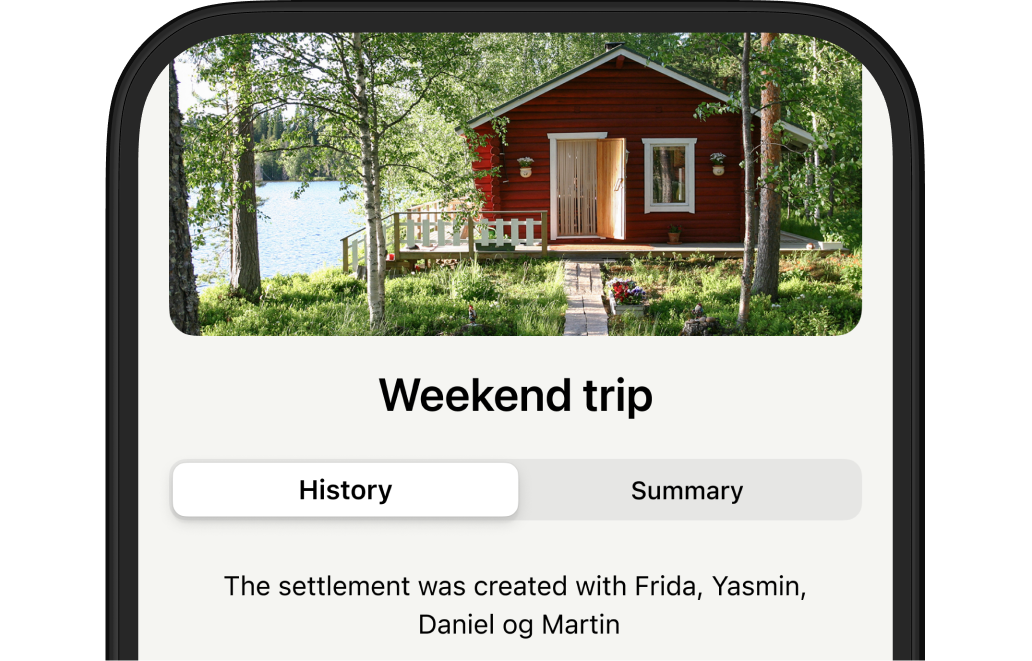
Create your settlement
Press either ‘Create new settlement’, select a picture and invite the once you want to include in the settlement. This is what it looks like, and you can all share expenses.
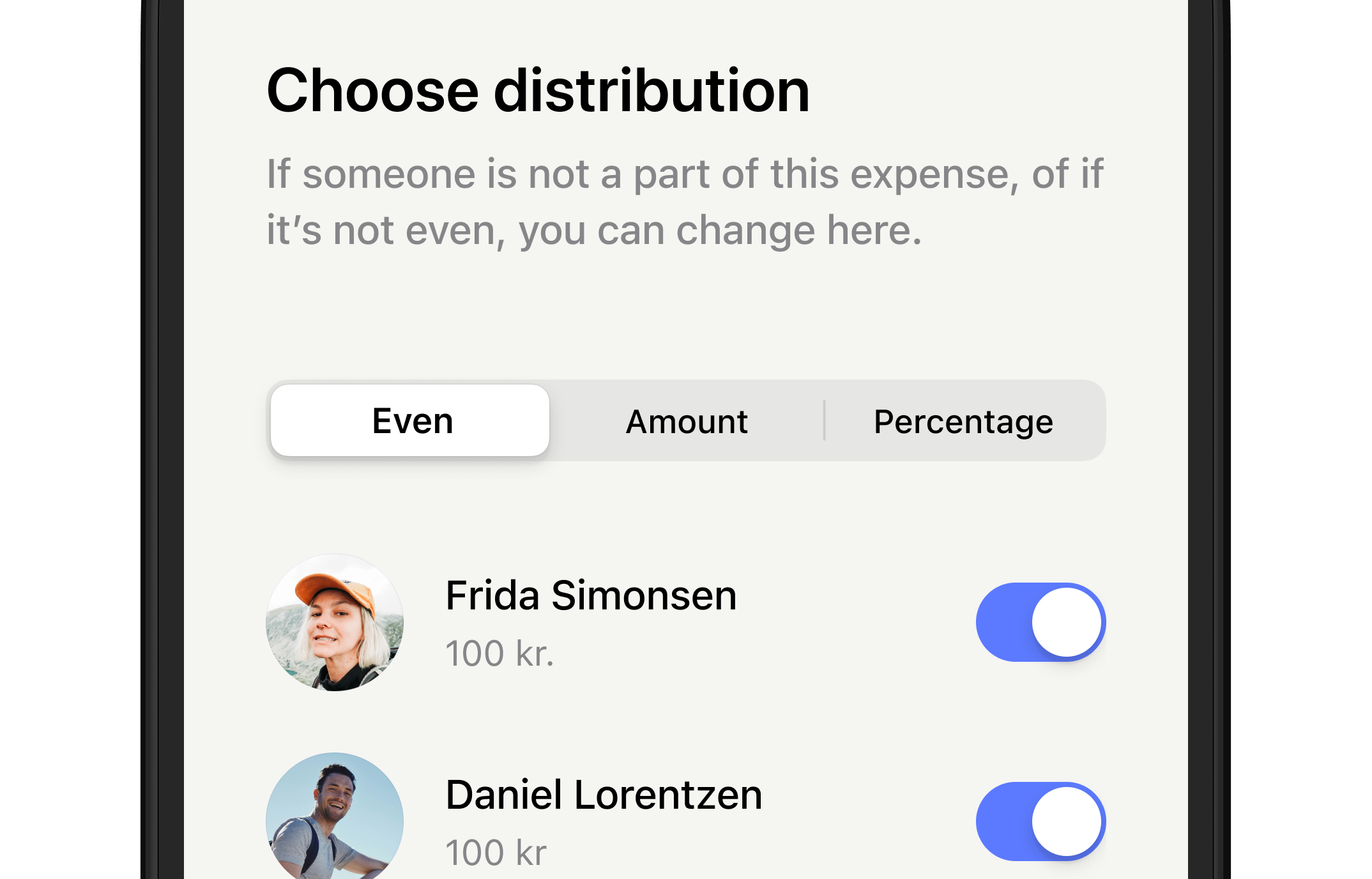
After adding amount you’ll share, choose distribution
You can here choose either to share the expenses evenly, with different amount between you or as percentage.